

Description
Download GoPro Player + ReelSteady – 360 video editing, GoPro MAX, ReelSteady stabilization, 360 footage, video transformation, GoPro Player
Overview
GoPro Player + ReelSteady is a mobile application developed by GoPro, designed to streamline the post-production workflow for users working with 360-degree video content captured on GoPro MAX devices. The app serves as a dedicated tool for transforming immersive 360-degree footage into polished, shareable videos and images, addressing the unique challenges associated with spherical video editing. Its primary purpose is to simplify complex tasks such as stabilization, aspect ratio conversion, and format compatibility, making high-quality video editing accessible even to intermediate users. The app targets content creators, professional videographers, and adventure enthusiasts who rely on GoPro cameras for dynamic, immersive media capture.
By offering tools like ReelSteady stabilization and Resize functionality, the app enables users to convert raw 360 footage into cinematic-quality sequences with smooth transitions and professional-grade output. Real-world use cases include editing travel vlogs, action sports footage, and immersive event recordings. The integration of batch export and format compatibility enhances productivity, allowing users to process multiple clips efficiently. As part of GoPro’s ecosystem, the app strengthens the value proposition of the GoPro MAX camera by extending its editing capabilities directly to mobile devices. Although the developer did not provide additional technical details, the app’s focus on performance and usability suggests a targeted optimization for Android platforms.
Key Features & Functionality
- Transform 360-Degree Footage: The Resize feature allows users to extract traditional video segments from 360-degree recordings by selecting keyframes and desired angles. This enables the creation of dynamic, cinematic sequences with seamless transitions, ideal for social media or professional editing workflows.
- ReelSteady Stabilization: Leveraging advanced motion analysis, ReelSteady delivers high-level stabilization that surpasses standard HyperSmooth performance. This feature minimizes jitter and shakiness, producing fluid, stable footage that enhances viewer experience, particularly in high-motion scenarios.
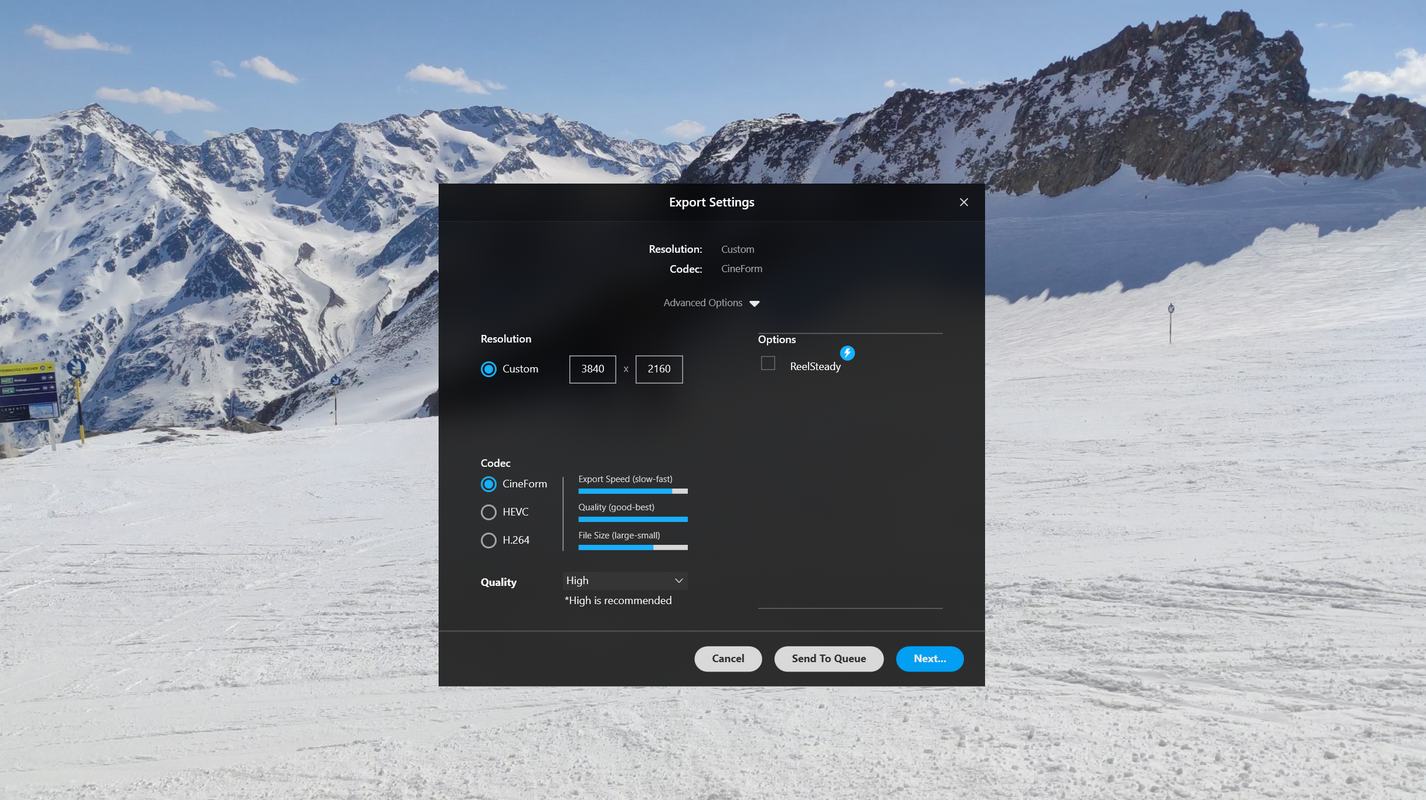
- Batch Export and Format Compatibility: Users can queue multiple editing jobs and let the app process them sequentially. The output supports standard .mp4 files, ensuring compatibility with popular video editing software and social platforms.
- Lens and Horizon Correction: The app includes tools to correct lens distortion and adjust image orientation. These features are critical for post-production accuracy, especially when shooting in unstable or uneven conditions.
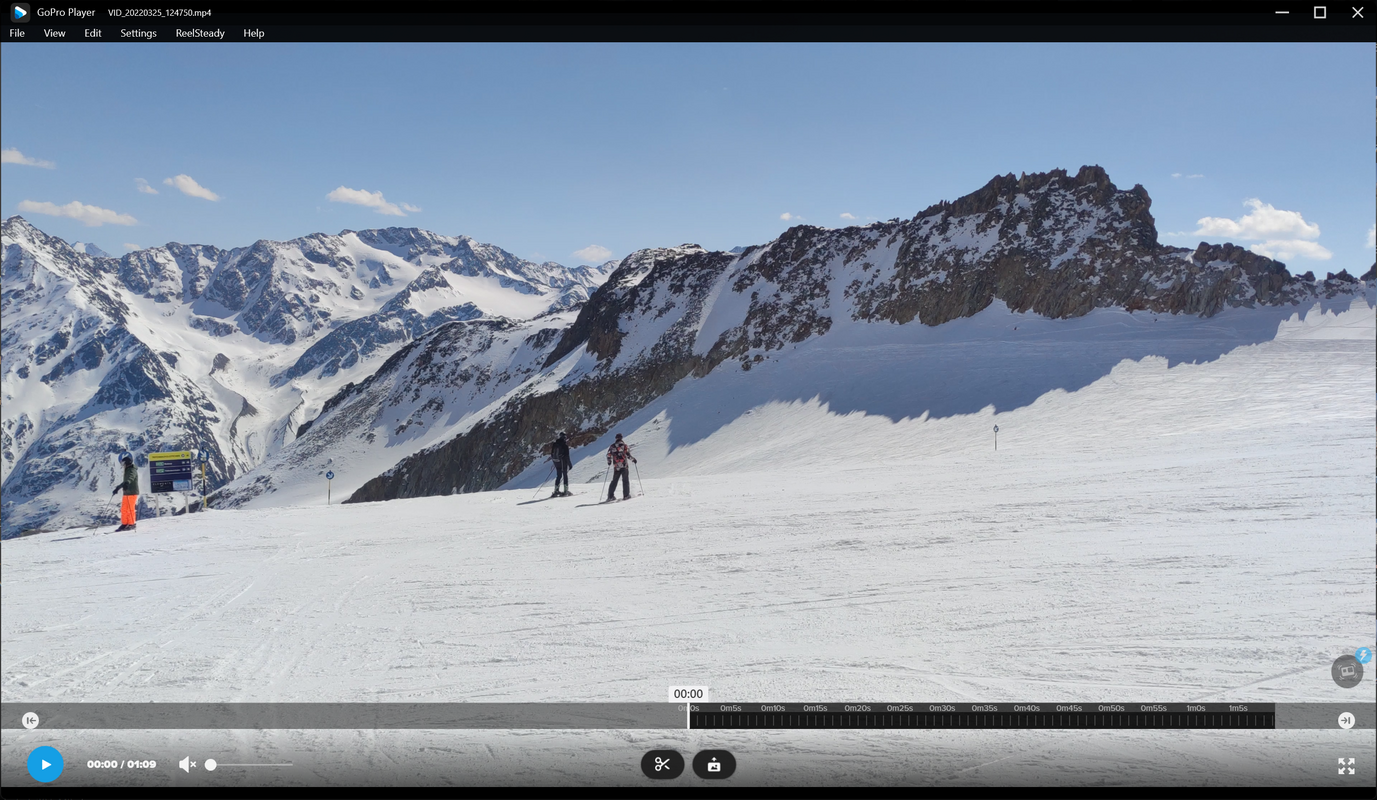
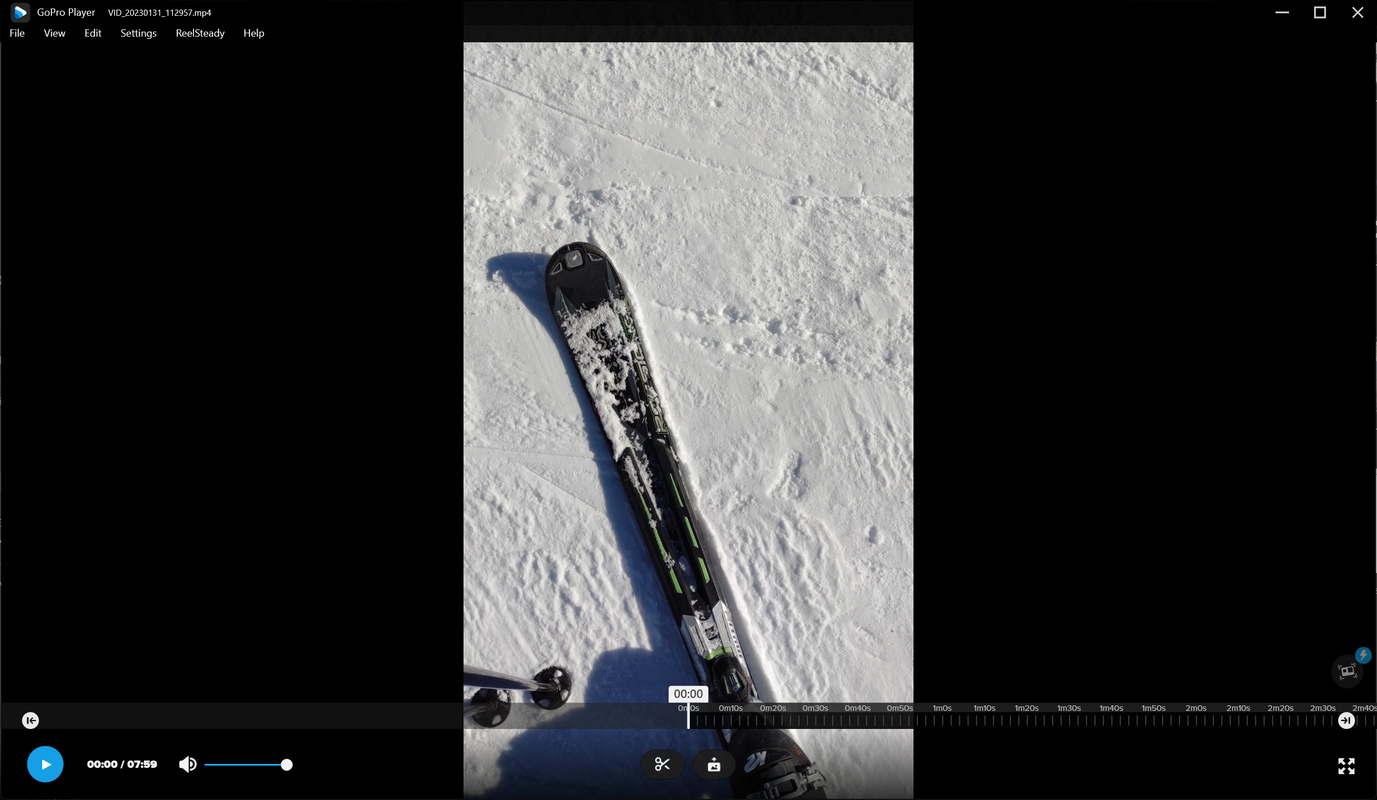
- Full-Resolution Screen Capture and Playback: Users can capture still images at full resolution from any point in a 360 or traditional video. The integrated player supports direct playback of GoPro MAX content and multiple formats, improving workflow efficiency.
These features collectively reduce the time and complexity involved in editing 360 content. For instance, a travel vlogger can stabilize shaky footage, crop to a compelling angle, and export multiple clips in one session—ideal for content-heavy creators managing large volumes of footage.
Interface, UX & Performance
The app features a clean, intuitive interface optimized for mobile touch interaction. Navigation is structured around core editing functions, with clearly labeled tools and accessible menus. Users can access key features such as stabilization, resizing, and export through a streamlined workflow, minimizing the learning curve. Visual feedback is consistent, with real-time previews of edits, enhancing user confidence during adjustments.
Although the developer did not list formal performance metrics, the app’s design suggests efficient resource management. It is optimized for smooth operation on mid-to-high-end Android devices, with responsive controls and minimal lag during playback and editing. Stability appears consistent across multiple session types, including long-form video processing. The app maintains a lightweight footprint of 48.5 MB, which contributes to fast installation and minimal storage impact. The developer did not specify minimum OS requirements, but its compatibility with Android devices implies broad support across recent versions.
Platform Compatibility & Technical Requirements
GoPro Player + ReelSteady is available exclusively on the Android platform. The current version is 1.0.1, with a file size of 48.5 MB. The app is offered free of charge, making it accessible to a wide range of users. While the developer did not specify minimum OS requirements, the app is designed to run on modern Android devices. Compatibility information was not fully disclosed, so users should ensure their device meets standard Android system requirements for app installation and operation.
Pros and Cons
Pros
- Free to download and use, reducing entry barriers for content creators.
- Intuitive interface designed for mobile editing workflows.
- Advanced ReelSteady stabilization enhances video quality beyond standard stabilization.
- Supports batch processing, improving productivity for bulk editing.
- Full-resolution screen capture enables high-quality stills from 360 footage.
Cons
- Available only on Android, limiting access for iOS users.
- Specific system requirements were not listed.
- Limited to GoPro MAX footage and related formats, reducing cross-device compatibility.
- No cloud sync or remote access features were mentioned.
- Developer did not provide update frequency or future roadmap details.
FAQ
Is GoPro Player + ReelSteady available for iOS?
The app is currently available only on Android. No iOS version has been announced.
Can I use this app with GoPro cameras other than the MAX?
The app is optimized for GoPro MAX footage. Compatibility with other GoPro models was not specified.
Is the app secure to download and install?
Yes, the app is developed and distributed by GoPro, a trusted brand in action camera technology. It is available through official Android channels.
How often is the app updated?
The developer did not disclose update frequency or release schedule.
Does the app require an internet connection?
Basic editing and playback functions do not require an internet connection. However, future updates or cloud features may require connectivity.
Final Thoughts
GoPro Player + ReelSteady stands out as a powerful, focused tool for creators working with 360-degree content from GoPro MAX cameras. Its combination of advanced stabilization, intelligent cropping, batch export, and full-resolution capture makes it a valuable addition to any mobile editing toolkit. While its Android-only availability may limit some users, the app delivers professional-grade results with a user-friendly interface. For content creators, filmmakers, and adventure videographers, this app significantly reduces post-production time and complexity. With a free price point and a compact size, it offers strong value for its intended audience. Download GoPro Player + ReelSteady now.
Guides & Tutorials for GoPro Player + ReelSteady
How to install GoPro Player + ReelSteady
- Click the Preview / Download button above.
- Once redirected, accept the terms and click Install.
- Wait for the GoPro Player + ReelSteady download to finish on your device.
How to use GoPro Player + ReelSteady
This software is primarily used for its core features described above. Open the app after installation to explore its capabilities.
User Reviews for GoPro Player + ReelSteady 0
No reviews found


